

Keep a Complete Copy Away From Your Web Server
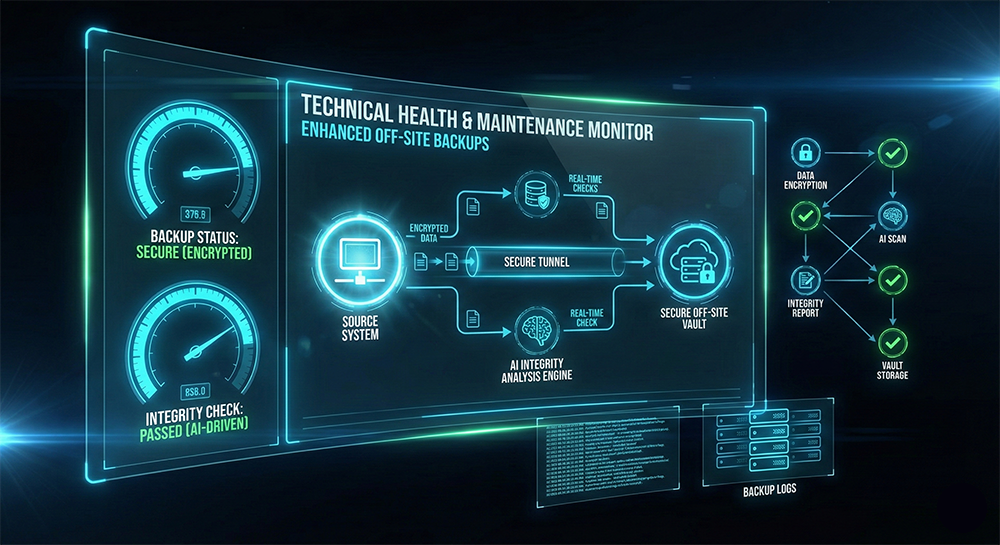
A backup stored only on the production server can disappear with the website if that server fails, the hosting account is compromised, or files are accidentally removed. Enhanced Off-Site Backups creates a separate recovery snapshot and transfers it to an off-site server under our control.
Rather than relying on a single backup method, we preserve the website in three useful forms: a packaged archive created with an automated backup tool such as Akeeba Backup, a direct copy of the site files, and a separate full database export. This layered approach gives us practical options if the website later needs to be recovered, migrated, or inspected.
Packaged Website Backup
Create and retain a portable site archive using an appropriate installed backup tool.
- Run the backup: Use Akeeba Backup or a comparable website backup utility when one is available and suitable.
- Create the archive: Generate the tool's packaged backup containing the website data included by its configured backup profile.
- Transfer it off-site: Download the completed archive from the production host and store it on a separate server.
Independent Recovery Copies
Preserve the core website components separately instead of depending entirely on one archive format.
- Complete file copy: Copy the website's directories and files to the off-site server, including hidden files when hosting access exposes them.
- Full database backup: Export the complete website database separately and retain it with the file copy.
- Basic completion check: Confirm that the expected archive, file copy, and database export exist on the off-site destination.
Three-Part Backup Set
Automated Archive
A packaged website backup produced by Akeeba Backup or another suitable automated backup tool.
All Website Files
An independent off-site copy of the website's files and directories.
Full Database Export
A separate export of the complete database stored alongside the off-site files.
Scope & Retention
This service creates one off-site backup set from an accessible website and confirms that the expected backup files were transferred. It does not include recurring backup scheduling, continuous monitoring, a test restoration, disaster recovery, or website repair. Exceptionally large sites, restricted hosting environments, failing backup tools, damaged databases, or transfers that exceed the standard two-hour service may require additional scope. Retention arrangements should be confirmed before service begins.